Month: May 2020

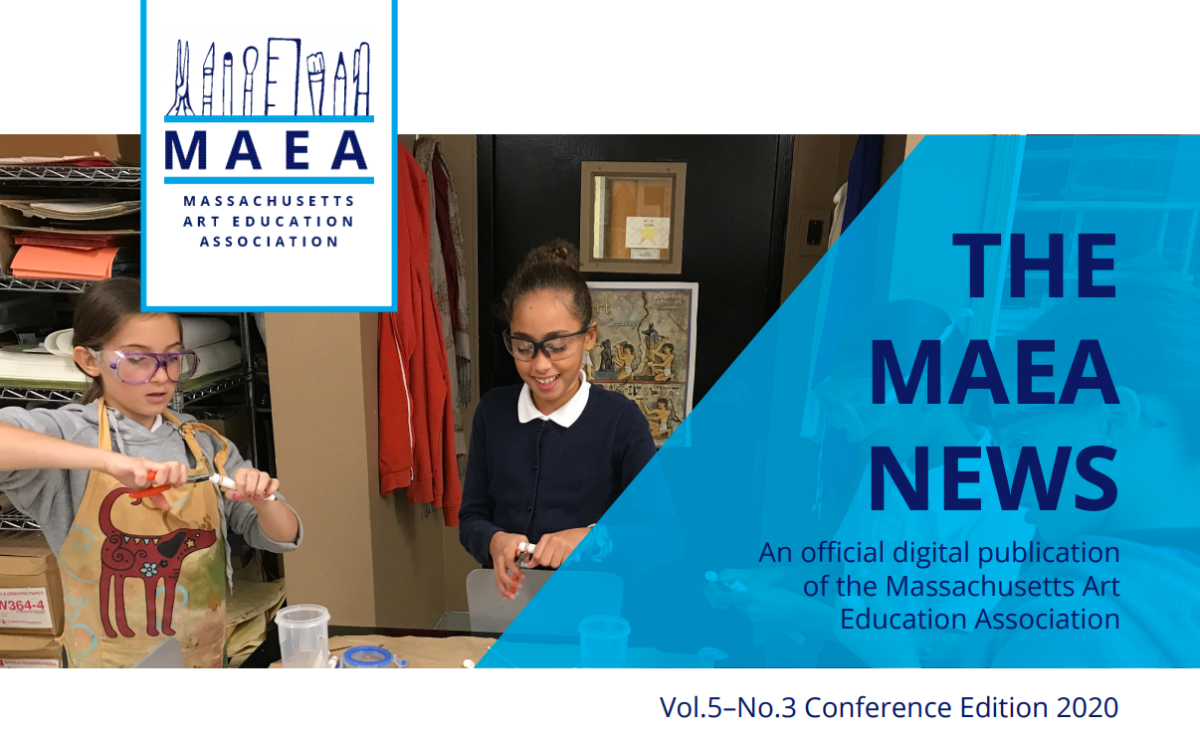
MAEA News – Conference Edition Out Now

The conference edition of the MAEA News is out now. In this issue you’ll find the President’s Message from Melissa Mastrolia, as well as articles and updates from Editor Jane McKeag, Peter Dunn, Kate Egnaczak, Kay Furst, Jacob Ginga, Lydia Gruner, Heidi Hurley, Patty Klibansky, John Nordell, Christine O’Donnell, Amy Sallen, Maureen Senn McNally, Margaurita Spear, and Laura Evonne Steinman. Check it out today.

Articles and submissions for the summer edition of the MAEA News are due June 26. Learn more about submitting an article.

Remote Learning Resources

As many of us continue our remote learning plans for the rest of the year, you may find resources MAEA has organized useful. Click here to view resources.

Here you will find resources for teaching, but also resources for online professional development, including free weekly webinars from Davis Publications.

If you have additional items to add to this resource list, please email MAEA webmaster Brittany Martinez at webmaster@massarted.com.

Call for Award Nominations – Deadline Extended to May 15

Here is your chance to celebrate your outstanding colleagues and nominate them for the 2021 MAEA Art Educator Awards. MAEA will honor the award recipients in conjunction with the 2020 MAEA Conference – exact event details to be determined. The submission deadline has been extended to May 15, 2020.

Don’t forget you can also toot your own horn and ask your administration to nominate you for an award or self nominate!

There are over 15 different MAEA Awards – Click here for more information and to submit a nomination.

Virtual Art Show Resources

As many teachers across the state continue with remote learning, many are planning and organizing virtual art shows or virtual exhibits. Below are some resources to help you with this process. If you have additional resources, please share them with our webmaster  so we can update this page.

ThingLink – Put together using an image of your classroom, a photo of a previous art show or info image. Use ThingLink to link to galleries organized on Artsonia, Google Photos, Adobe Express, or Google Slides, as well as video messages to welcome guests to art show. Share direct link to ThingLink page or embed on classroom or school website. 

Google Slides – Put together a google slide presentation and set to auto play. Embed on a classroom or school website. 

Padlet – Organize images in a number of templates. Students can add to the padlet, which is useful for older students. 

Art Steps – gives a virtual experience that could be explored with VR goggles. Does take some time to master, but offers an interesting experience.

Artsonia – Artsonia is a free portfolio website. Artsonia offers an art show feature which will automatically create slide show out of any student work you have posted.